Six settings in Claude Enterprise need a decision before launch: SSO enforcement, data retention, which capabilities are on, connectors, model and product access, and spend limits. This post takes each one in turn. It gives the name in Anthropic's docs, the roles those docs say can change it, and the choice it forces.
It is written for the IT or security lead who is setting up Claude Enterprise for the first time. If the next question is how Claude reaches your ERP, CRM and databases, that is enterprise AI integration work. Enterprise AI integration connects an AI model, such as Claude, to the systems your company already runs. U.S.-based senior engineers at The Gnar Company build those connections. Gnar is a Claude Select Services Partner in Anthropic’s Claude Partner Network.
The facts about each setting come from the Anthropic pages linked in its section, as those pages read on November 15, 2026. Each setting's section ends with a paragraph labeled "What to decide". Those paragraphs are general engineering advice, not Anthropic's.
Which settings need a decision, and who can change each?#
Six settings need a decision: SSO enforcement, data retention, capabilities, connectors, model and product access, and spend limits. The table lists the roles that Anthropic's page for each setting names, and the sections below give the detail.
| Setting | Who can change it | What to decide |
|---|---|---|
| SSO enforcement | Owner or Primary Owner, per the SSO guide | When to require it, and who must be assigned first |
| Data retention | Primary Owner or Owner, per the retention article | How long chats, projects and artifacts stay |
| Capabilities | Owner or Primary Owner, per the custom roles article | Which capabilities are on for the whole organization |
| Connectors | Owner or Primary Owner, per the connectors article | Which connectors, and read-only or write |
| Model and product access | Models: Primary Owner, Owner, or Identity & Access, per the model access article. Products: Owner or Primary Owner, per the custom roles article | Which models and products each group gets |
| Spend limits | Owner, Primary Owner, or Billing at Can manage, per the groups article | Who gets a cap, and who approves more |
Anthropic's custom roles article says custom roles are available for Enterprise plan organizations. It says they can grant admin permissions, which give members access to specific administrative areas like billing, identity or privacy without making them Owners.
What does Require SSO for Claude do to existing accounts?#
Once Require SSO for Claude is on, some existing accounts become unreachable. These belong to people with Free, Pro, Team, Max or Ultra accounts on your domain who are not added to your SSO application. Anthropic's considerations guide says those accounts "are not deleted, but will be inaccessible". While the setting is off, those people can still use "Continue with email".
Anthropic names the setting Require SSO for Claude. It sits in the Authentication section of the Organization and access page, next to a separate Require SSO for Console. Anthropic's SSO guide says single sign-on is available for Team plans, Enterprise plans and Console organizations. Its prerequisites say a Team or Enterprise plan needs an Owner or Primary Owner. Claude Console needs an Admin.
The custom roles article lists a second route. It says the Identity & Access permission at Can manage covers "Edit SSO". The same article says members with that permission "can expand their own access, so reserve it for trusted security and IT administrators".
An expired certificate has a similar effect. The SSO guide covers the case where Require SSO is on and your certificate or client secret has already expired. In that case "no one in your organization can sign in to update it". You then contact Support from an Owner's or Primary Owner's email address.
Anthropic's Cowork administrator guide gives the order: "Only enforce SSO after both groups/mappings and RBAC roles are fully configured and tested". It adds that enforcing early "locks out everyone who isn't yet provisioned, and there's no self-service recovery".
Provisioning is a separate choice, made after SSO is set up. Anthropic's provisioning guide covers the JIT and SCIM options. If you choose either one, it says not to click Save changes until everyone is assigned to your Anthropic application in your identity provider. Its reason: "Any users who aren't assigned when you save will be deprovisioned from the organization".
What to decide. Pick the date you will turn on Require SSO for Claude, and make it later than a test sign-in with a small pilot group. Put the expiry date of your certificate or client secret on someone's calendar. Name who would contact Support as an Owner or Primary Owner if it lapses.
What does a shorter data retention period delete?#
Anthropic's retention article says data outside a new, shorter period "is scheduled for permanent deletion as soon as you save". A daily background process removes it, "which can take several days for large amounts of data".
Anthropic calls the feature custom data retention controls. The article says it is available to Enterprise plan customers and that "you must have either a Primary Owner or Owner role" to set periods. You set them under Organization settings > Data and Privacy. The custom roles article adds that a Privacy permission at Can manage can "Edit retention periods".
By default, "data is retained indefinitely unless a custom retention period is set". The minimum period is 30 days, and each month counts as 30 days. The periods apply to content in chats, projects and artifacts.
One rule decides what a chat period reaches. Anthropic says "Project retention always takes precedence over chat retention for chats inside a project". Projects are retained indefinitely by default, "so chats inside projects are not deleted by your chat retention period".
Anthropic warns: "Don't rely on this delay to reverse the change". It also says "Data past its retention period will be permanently deleted and cannot be recovered".
The periods have limits. The article's important note lists some of what they skip. Custom retention periods "don't apply to standalone Claude Design at claude.ai/design, Claude Tag, Claude Managed Agents, or any other feature that runs Claude Code in the cloud". It adds: "Cloud sessions Claude starts from a chat are deleted with that chat".
Anthropic also says that "All retention-related actions and changes are automatically tracked in audit logs".
What to decide. Settle the period with whoever answers for your records and your legal duties before staff build months of history. Write down the agreed number before you save it. Treat any later shortening as final, because the deletion is scheduled the moment you save.
Capabilities#
Capabilities are the tools members can use, and the custom roles article lists "chat, Claude Cowork, Claude Code, and web search" as examples. The article says "An Owner or Primary Owner can toggle a feature on or off for the entire organization." If a feature is off there, "no custom role can grant access to it". Anthropic's role-based permissions guide points to Organization settings > Capabilities for that review.
The custom roles article describes a four-level chain in which the most restrictive level wins. The levels are platform-level overrides, the organization-level setting, custom role permissions and the user-level setting. In its words, "the organization-level toggle is a main switch. Custom roles are the per-member switches underneath it".
The role-based permissions guide shows how the order can go wrong. Anthropic says to move members to custom roles "only after you've created your custom roles" and your groups. It adds that you should configure admin and connector permissions if you use them, and verify that all members are assigned to groups. Otherwise, members moved to custom roles before setup is complete "will immediately lose access" to the governed capabilities and to their previous role. It adds that "Switching an Owner or Admin to custom roles removes their Owner or Admin access".
The same guide describes the organization toggle this way: "Enabling a feature at the organization level doesn't mean everyone gets it".
What to decide. Write one line for each capability: on for everyone, on for named groups, or off. Build the roles and groups before you flip organization toggles. Keep Owners and Admins on roles that hold their admin access until a replacement is tested.
Connectors#
Connectors let Claude reach other applications, such as a drive, a wiki or a ticket tracker. Anthropic's connectors article covers Team and Enterprise plans. Before members can use connectors, "an Owner or Primary Owner needs to enable them for the organization". You do that under Organization settings > Connectors. Enabling one "doesn't automatically grant anyone access."
Anthropic's connectors article calls custom connectors remote MCP servers. The Model Context Protocol site says MCP is "an open-source standard for connecting AI applications to external systems". The connectors article says custom connectors "connect to your MCP server from Anthropic's cloud, not from your local device." So "Your server must be reachable over the public internet".
The custom roles article names a second route. It says a Libraries permission at Can manage can "Add, edit, and remove organization-shared skills, plugins, and connectors".
Access depth is a setting too. Anthropic says Owners "can limit which actions a connected service can take across your organization," and that this "applies org-wide to everyone using the connector". For each permission category or individual permission, you select Always allow, Needs approval, or Blocked. The article adds that "Restricting actions in Claude never grants more access than the source system permits".
Anthropic's rollout course lesson on connectors says where most organizations end up. The choice it describes is read-only, scoped to the groups whose work lives in that system. The lesson says "Most organizations land here unless the situation below applies". That situation is a group whose workflow "clearly needs Claude writing into the system (filing tickets, updating pages), and its risk owner is comfortable with it". The lesson says blocking a connector's write and delete tools holds it read-only.
The lesson says connector settings can be changed later, but not at equal cost. "Widening costs members nothing". It adds: "Narrowing, however, ought to be handled with care: revoking write access or removing a connector breaks the workflows members built on it".
What to decide. For each connector, name the group that needs it and the person who owns the risk. Start each group read-only. Move a group to write once its workflow has shown the need and its risk owner has agreed. Tell members before you narrow anything.
Model and product access#
Anthropic's model access article says model access settings are available for Enterprise plan organizations. It says Primary Owners, Owners, and members whose custom role grants the Identity & Access permission can manage them in Organization settings > Models.
The organization setting comes first. Each model is enabled or disabled for everyone, and "Disabling a model here removes it for every member, including Owners and Admins". The article says "The organization setting is the ceiling". A role "can't grant access to a model that's disabled for the organization". Role-level model access affects only members whose role is set to Custom. When the feature first becomes available, every model is enabled at both levels, "so nothing changes for your members until you adjust these settings".
One model cannot be switched off. The article says "Haiku models are always available to every member and can't be disabled," so that members have a model to fall back to.
Products are a separate question. The custom roles article lists chat, Claude Cowork and Claude Code as capabilities, so the capabilities section above covers who can use each product. Anthropic's consumption guide gives the order: "Before worrying about token-level limits, make sure the right people have access to the right surfaces". It continues: "Giving everyone Claude Code and Cowork access on day one is the fastest way to generate unexpected consumption. Roll out higher-intensity surfaces in waves, starting with the teams most likely to use them productively".
What to decide. For each group, write down which models it can use and which products it gets on day one. Name the groups that wait for a later wave, and the date each wave starts.
Spend limits#
Anthropic's groups article says groups and group spend limits are available for Enterprise plan organizations. It says Owners, Primary Owners, and custom roles with the Billing permission set to Can manage can manage group spend limits under Organization settings > Usage.
The consumption guide says admins can set limits at the organization level, the group level and the individual user level. It also describes optional pooled budgets that give a group one shared monthly amount. It recommends starting with group-level and per-user limits. It says to use an org-level limit carefully, because "hitting it affects everyone simultaneously, which can be disruptive". Among its precedence rules, it says: "Org-wide limits remain the hard ceiling".
The member's experience at a cap is spelled out. Anthropic says "The request that's already in flight completes, but further requests are blocked". So a multi-step Claude Code or Claude Cowork task may pause before it finishes. The member can click "Request more usage," and limits reset "at 00:00 UTC on the 1st of the month".
Anthropic's spend caps lesson says who answers the request. Owners, Primary Owners, and anyone whose custom role has Billing set to "Can manage" can approve or deny it on the Usage page. It also says "the people who can approve requests often aren't the people who own the budget". So in-product requests "can sometimes wait days for a decision". The lesson says "Caps can be changed freely; each change applies from that point".
What to decide. Set a cap for each group before launch. Name who approves a routine request, and who decides anything that moves a group limit or the org-wide ceiling. The consumption guide gives this advice: "Tell users who their approver is and your expected turnaround".
Where does outside help fit?#
As general engineering advice, outside help fits where these settings meet your own systems, such as your ERP, CRM or databases. The Gnar Company's enterprise AI integration page says "If your own engineers have the capacity and the direction, do it internally".
On that page, Step 1 of Gnar's process reads: "We list each system AI needs to reach, what it may see and change, and who signs off". Step 3 reads: "Before launch, your security team gets the access rules and the request log to review". The page also describes a lookup-only connector: "We give the AI a connector that only allows lookups, called a read-only MCP server. It can find an order or a customer. It cannot change anything through it".
Gnar's Claude partner page says Gnar will "build the governed foundation once (identity, security, data access)". It adds: "Your team runs it after we leave. Configurations, evals and runbooks are handed over".
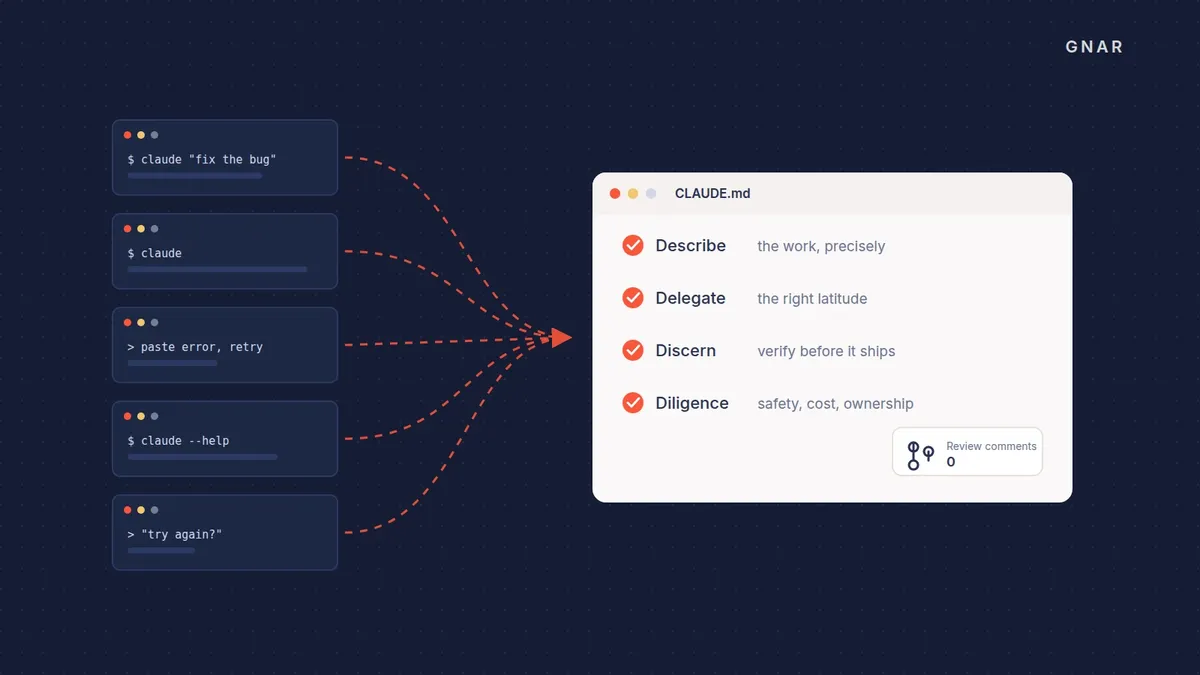
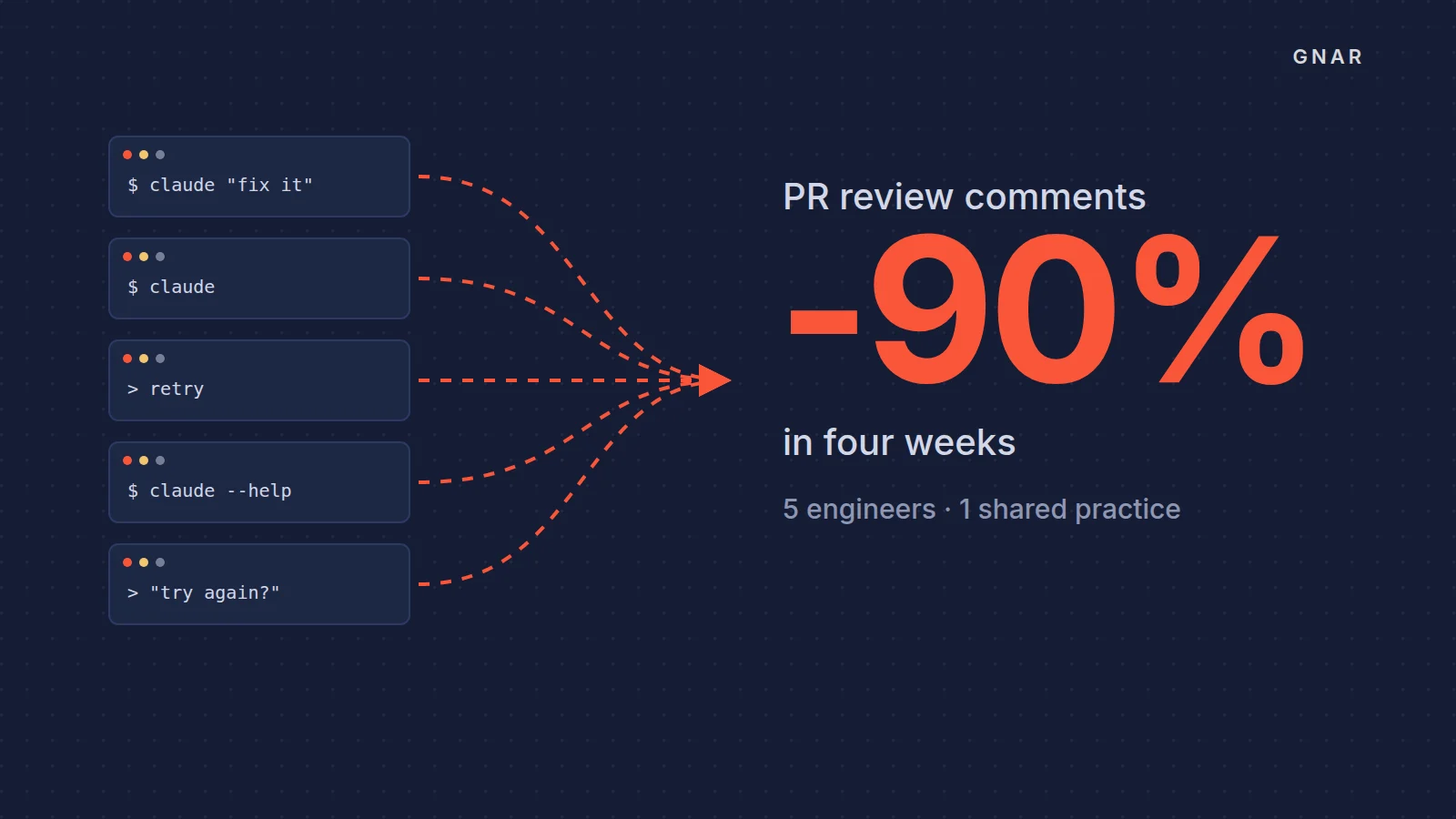
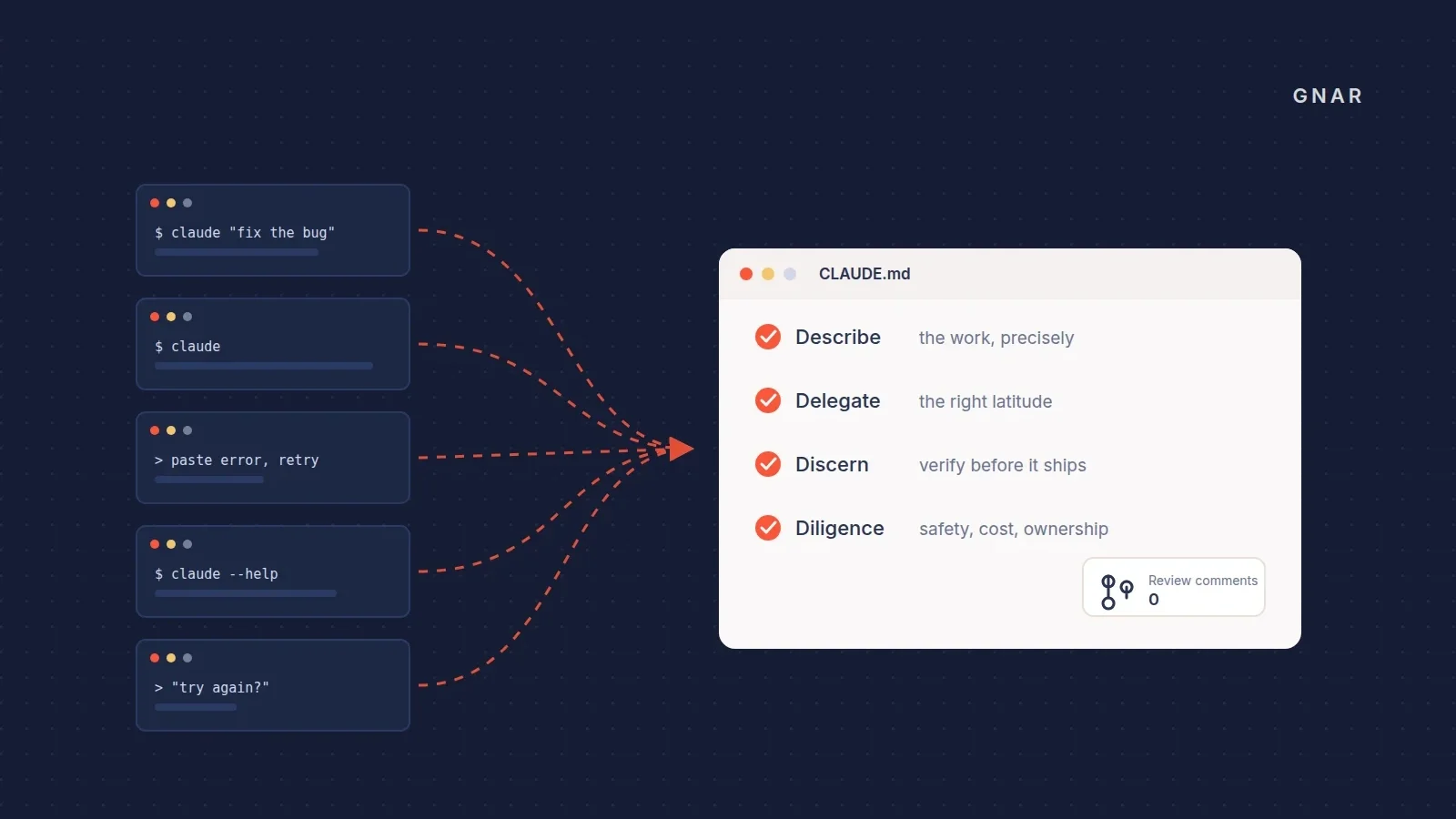
A different kind of help is practice. Gnar's GSC Enterprises case study says The Gnar Company moved GSC Enterprises' five engineers from individual Claude Code use to one shared practice. It did so with a Gnar Immerse cohort. The case study describes a four-week cohort that ran entirely against the client's own codebases.
If the build is the question, the same page gives the starting point: "Start with Gnar Discovery and Design, from two weeks and $15,000. You leave with a build plan that has a fixed price on it". The Discovery page lists the three published tiers.