Start your first AI project where your data already lives and people already trust it. Look first at the ERP and the order desk, and at the tasks people still do by hand around them, such as retyping orders, prices and invoices.
The machines get most of the attention in articles about AI in manufacturing: predictive maintenance, vision inspection, generative design. The first two need data from the machines and cameras on the line, and a plant may not collect that data yet. If your plant has a two-person IT group and an ERP that only a few people fully understand, you are in that spot. This guide is a six-step plan for a plant in that spot. It follows the same path as Gnar's AI strategy work: map the work, score the ideas, then scope the first build.
What does AI for manufacturing mean for a mid-size plant?#
AI for manufacturing is software that reads your plant's data and takes over a task or a decision a person handles today. For a mid-size plant, the useful split is where that data lives. Some of it comes from sensors and machines on the floor. The rest is orders, prices, purchases and invoices in the ERP and the spreadsheets around it.
That split decides what you can start on this quarter, because each kind of project needs a different kind of data.
| AI use | Where the data lives | What it needs before it works |
|---|---|---|
| Reading emailed orders into the ERP | Email and the ERP | Clean customer and item records |
| Matching invoices to purchase orders | ERP and supplier documents | Purchase orders and invoices that can be compared line by line |
| Drafting quotes from past jobs | ERP history and spreadsheets | Past quotes stored in one place |
| Month-end reconciliations | ERP and finance spreadsheets | Agreed definitions for each account |
| Predictive maintenance | Machine sensors | Sensor data from the machines |
| Vision inspection | Cameras on the line | Images of the parts from the cameras |
The top four rows run on email, the ERP and the spreadsheets around it. The bottom two need sensor readings or images, which exist only if someone has been collecting them.
Where are manufacturers using AI today?#
Manufacturers use AI most in quality (62 percent), production (57 percent) and logistics and supply chain (49 percent), according to Deloitte's 2026 survey of more than 140 manufacturers. The same survey found that about 84 percent of the manufacturers it surveyed report measurable value from AI, but only about one in five use cases has been scaled across sites.
Deloitte ties the pattern to three conditions: adoption is strongest where process signals are rich, outcomes are measurable and someone clearly owns the process.
A May 2026 page from the NIST Manufacturing Extension Partnership on U.S. manufacturing, citing Manufacturing Leadership Council survey data, reports that 46 percent of manufacturers use AI tools such as chatbots in their operations, and that 72 percent of those investing in AI do it to cut costs and run more efficiently. Its list of the common barriers, which cites IBM, reads like a description of a mid-size plant: data quality and availability, high initial costs, skills gaps, data privacy and security, and integration with legacy systems.
Two of those five, data quality and integration with legacy systems, are about the records a first project would read. That is why the plan below checks the data before it picks a project.
Step 1: Write down how the work gets done today#
Before anyone picks an AI tool, someone has to write down how each task in the plant really gets done. That means interviewing the people who do the work, from the order desk to purchasing to finance, and listing every step they still do by hand. The org chart will not show you where the hours go.
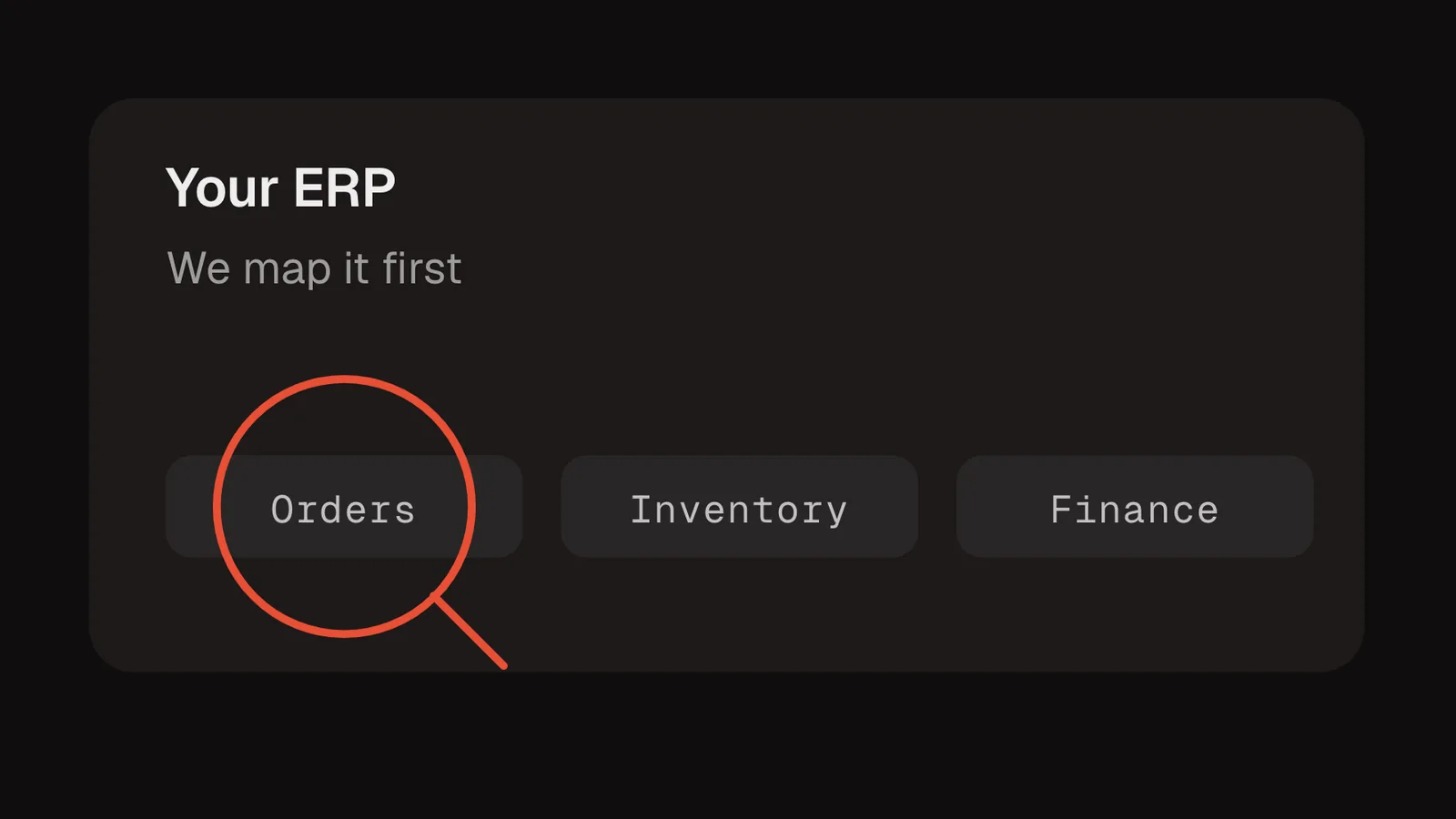
At Counter Culture Coffee, a specialty roaster, Gnar held 15 or more interviews with leadership, department heads and the people who run the day-to-day. The team mapped every system and data flow, end to end, with NetSuite at the center.
A useful list has the same few columns for every task:
- The task, in the words of the person who does it ("type the order from the email into NetSuite").
- How often it happens, per day or per week.
- Which systems it touches, and whether it moves data between them by hand.
- Who owns it, meaning the person who would have to agree to change it.
- What goes wrong when it is late or wrong, in dollars, hours or customer complaints.
Expect a long list. The Counter Culture mapping turned up 79 AI and automation opportunities across seven areas, led by workflow and task automation with 17.
Step 2: Is your data ready for AI?#
Your data is ready when the system of record holds it, each field means one thing, and nobody retypes it from a spreadsheet. If two reports from two systems give two different numbers, an AI tool will not know which one is right either. Check this before you pick the first project.
The Counter Culture case is a clear example of why this matters. Its NetSuite was deeply customized, and pulling a reliable number often depended on the few people who knew exactly which fields to use. Some core reference data, like the rotating coffee lineup, lived in spreadsheets and was typed into other systems by hand. As the case study puts it, an assistant "has no way to know which of two similar fields is the right one."
Use this checklist on each data set a project would touch.
- One home. The data is edited in one system of record, and every other system reads from there.
- One meaning. Each field has an agreed definition. "Ship date" means the same thing in sales and in the warehouse.
- No hand copies. Nobody keeps a spreadsheet version that is more current than the ERP.
- An owner. One team owns each data set and fixes it when it is wrong.
- History. There is enough past data to test against, such as last year's orders or invoices.
- Access. The data can be read by software without someone exporting a file first.
Step 3: How should you score AI ideas against each other?#
Score every idea on the same measures, then rank them. Counter Culture's ideas were scored on financial ROI, operational efficiency gains, implementation complexity, data readiness and cultural readiness. Only recoverable value counted, and weak data readiness capped an idea's score regardless of its upside.
Here is a plain question for each measure.
| Measure | The question it answers |
|---|---|
| Financial ROI | How much money does this save or earn, counting only value you can actually recover? |
| Operational efficiency | How many hours or handoffs does it remove from a team's week? |
| Implementation complexity | How many systems does it touch, and how hard is each connection? |
| Data readiness | Does the data it needs pass the Step 2 checklist today? |
| Cultural readiness | Will the team that owns the task use it, and is there someone inside to lead it? |
The cap on data readiness is the part that is easy to skip. An idea that would save a lot of money but runs on data nobody trusts is unlikely to hold up in production, so it should rank below a smaller idea with clean data.
Step 4: What should the first project be?#
The first project should be a task one team does many times a day, using data that already passes the readiness check. It should have a number you can measure before and after, such as orders entered per hour or invoices matched per day. Save multi-site projects for later, and shop-floor projects until the sensor data passes the Step 2 check.
A simple rule sorts the ranked list:
| If the idea... | Then |
|---|---|
| Is owned by one team and uses data that passes the Step 2 check | Good first project |
| Needs data that failed the Step 2 check | Fix the data first |
| Needs sensor history you do not have yet | Start collecting, revisit when the history passes the Step 2 check |
| Changes how three departments work at once | Later, once a smaller project has run |
| Can be done with a feature your ERP already has | Configure the feature first, build only what it cannot do |
Retyping orders often fits the first row. So does looking up prices. Gnar's forward deployed engineers page uses both as examples. Both repeat all day. Check that the orders and prices they read pass the Step 2 checklist.
Check the last row before you build anything. At Counter Culture, the roadmap found that much of a faster month-end close could come from NetSuite capabilities the company already owned, with AI saved for reconciliations and accrual worksheets.
Step 5: Build it around the ERP you keep#
Build the first project around the ERP you already run. Every change the AI makes should write back to the ERP, so accounting and every other team work from the same records. Have the people who will use it approve it before it goes live.
Gnar's ERP and order management modernization work describes the write-back part: screens built around how each team works, from the sales desk entering an order to the warehouse picking it, and every change written back to the ERP.
For an AI step, three details decide whether the order desk trusts it, and you can build in all three:
- It proposes, a person approves. The AI fills in the ERP entry and a person on the team approves it, at least at the start.
- It keeps a record. Every entry it makes is logged, so anyone can see what it did.
- It sees only what it needs. Set it up so it can read an order without seeing prices, for example, and so you choose which fields it may change.
Build all three in from the first version, so the team can check the AI's work from day one.
Step 6: Measure it, then decide on the next one#
Measure the first project against the before-and-after number from Step 4, for long enough to see a normal month. If it moved the number, go back to the ranked list from Step 3 and pick the next one. If it did not, find out whether the problem was the data, the process or the tool before you build anything else.
Deloitte found only about one in five use cases scaled across sites. A project that works once still needs an owner inside the business to keep it running, and a ranked list that tells everyone what comes next. Counter Culture's roadmap gave each of its top 10 initiatives a score, an owner and a place in the sequence.
What this looked like at Counter Culture Coffee#
Counter Culture Coffee wanted AI to support its growth without adding back-office overhead, and the open question was where to start. Gnar ran an AI Transformation engagement that mapped every system around its NetSuite ERP and found 79 AI and automation opportunities. The roadmap shows $1.5M in potential savings across the top 10 initiatives.
Three parts of the Counter Culture case study match the steps above.
An idea changed for good reason. Coffee buying first looked like a market-timing opportunity. A full year of contract data showed the team was already handling that well. The recommendation changed to a single, live view of the coffee position across contracts, importers and warehouses.
The data got a recommended home. A handful of master data sets lived in spreadsheets or in more than one system. The recommendation was to give each one a single home in NetSuite or Zoho, based on which team owns and uses it most.
People inside owned the next steps. The roadmap ended with 34 projects ready to start and 8 already underway, led by five internal champions from IT, finance and operations. Joe Prewett, Counter Culture's CEO, said the engagement "gave us a roadmap that we're using to flow into our 3-year plan."
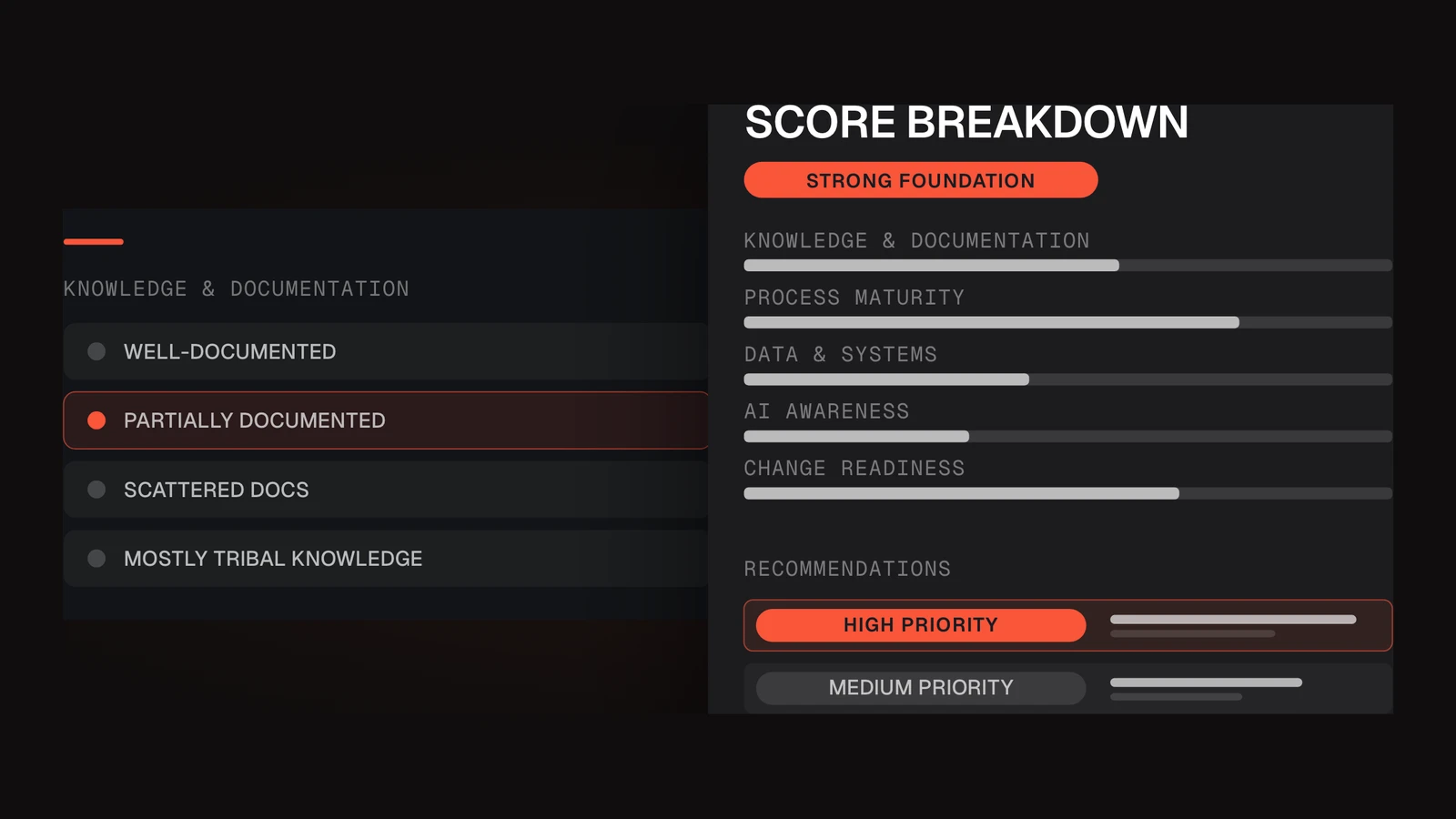
If you want a quick read on where your plant stands before any of this, Gnar's free AI Readiness Assessment is ten questions. It covers repetitive manual work, how ready your workflows are, and whether leadership understands how AI can create business value.