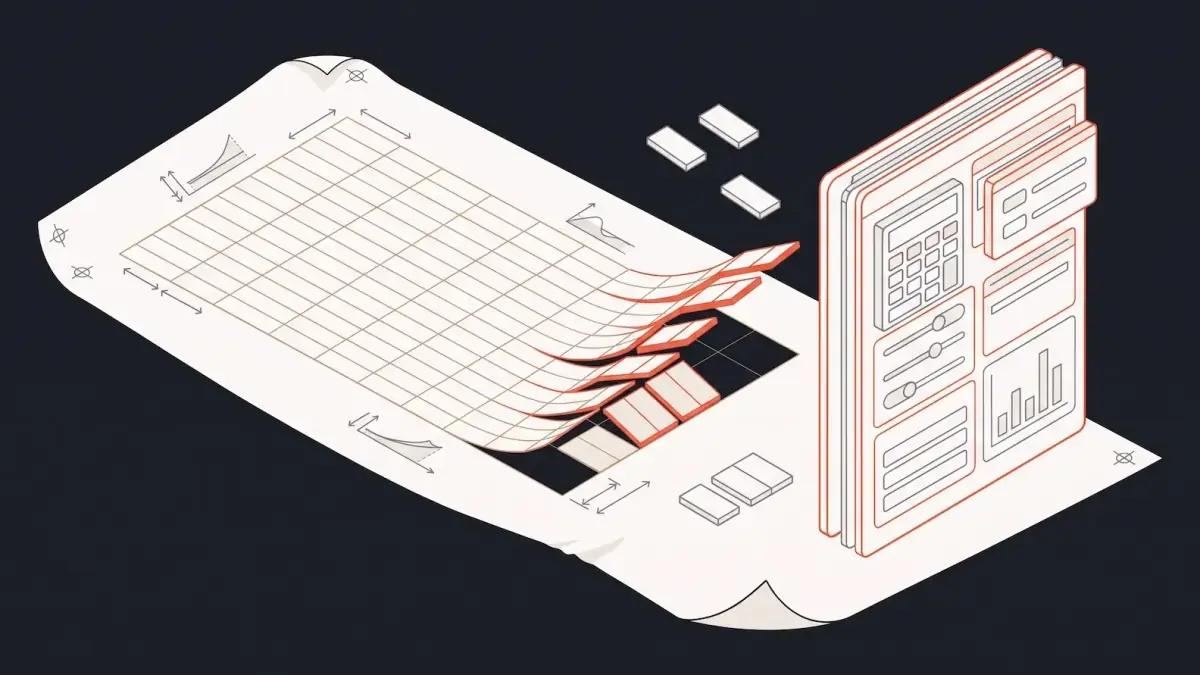

You can modernize an ERP without a big bang cutover. Keep the ERP as the system of record, and replace the daily work around it one workflow at a time, with new screens that write back to it. Old and new run side by side until each piece is proven, then the old piece is turned off.
The Gnar Company's ERP modernization work builds web apps around the workflows your team runs every day and keeps the data in sync with your ERP. It is part of our wider legacy software modernization practice.
This guide is for the CIO at a manufacturer or distributor whose order entry runs through an aging ERP and cannot stop for a day. There is a plan for the old system on a shelf somewhere. Somebody wrote it. Nothing happened.
If yours stalled because it asked the whole company to switch systems on one go-live date, the five steps below are a way around that. Microsoft's Dynamics 365 implementation guide calls this the big bang approach: you deploy the final solution to the production environment and retire the old system, and all users start using the new system on the go-live date.
Why do big bang ERP replacements go wrong?#
Big bang replacements go wrong when a like-for-like copy of the old system meets a single switch date. Fowler's criticism, below, is of the copy: it takes a long time, and the old system's real behavior is hard to pin down. A big bang cutover adds the single go-live date, when all users start on the new system and any failures reach many users at once.
Martin Fowler, the software author who named the gradual alternative, describes the simple replacement plan in his 22 August 2024 essay on the strangler fig approach: build a new system that does exactly what the old one does, in better technology. He writes that he and his colleagues have seen this simple-sounding plan go down in flames most of the time.
His reasons fit an ERP well:
- It takes too long. Replacing a serious system takes a long time, and users cannot wait for new capabilities.
- Nobody knows exactly what the old system does. Replacements seem easy to specify, but the details of existing behavior are hard to figure out.
- Much of the old behavior is not wanted. Copying it is waste.
For an ERP, the second point is the dangerous one. In an ERP, that existing behavior includes custom fields, reports and workarounds, and those are hard to list in advance.
What is the alternative to a big bang cutover?#
The alternative to a big bang cutover is to replace the system in small pieces while the old one keeps running. Each new piece is built next to the old system, proven with real work, and switched on piece by piece. Fowler calls this the strangler fig approach, after vines that germinate in a nook of a tree.
Microsoft's architecture guide for the strangler fig pattern describes the mechanics. You replace specific pieces of functionality one at a time. The existing application keeps functioning during the work. A routing layer, which Microsoft calls a façade, sends each request either to the old system or to the new piece.
| Big bang cutover | Phased modernization | |
|---|---|---|
| When work switches to the new system | All at once, on one date | One workflow at a time |
| What happens if something is wrong | Every workflow can be affected together | Smaller pieces carry less risk, but cross-system dependencies need planning |
| When the business sees value | After the whole project | After the first piece |
| What happens to the old system during the work | Keeps running until the single switch date | The ERP keeps running, and old screens stay until each workflow switches |
| The main cost to plan for | Failures at the single go-live reach many users at once | Connections that keep new screens and the ERP in sync, plus temporary code while old and new run side by side |
Fowler notes that the gradual approach also needs transitional code, built only to let old and new coexist, which goes away when the work is done. He also writes that the reduced risk and earlier value outweigh its costs.
Step 1: Write down the outcome you want#
A good starting point is to write down, in one or two sentences, what the business should be able to do when the work is finished. Fowler lists understanding the outcomes you want to achieve as one of four activities, defined by Ian Cartwright, Rob Horn and James Lewis. Without it, each department pulls the project toward its own wish list. Our ERP page describes the diagnosis that comes first: "We map the system, the data, and the workflows."
Good outcomes are specific and checkable:
- "An inside sales rep enters an emailed order in one screen, without retyping it into three."
- "The warehouse sees the day's pick list without opening the ERP."
Step 2: Pick the first workflow#
Start by picking the highest-impact workflow in your business as the first one you move. On our ERP work, we build phase by phase, starting with the highest-impact workflow. A good first workflow gives the business a visible win while the larger plan is still being proven.
Among the high-impact candidates, look for a first workflow with three things:
- One team owns it. Order entry at the sales desk is easier to start with than a process that crosses five departments.
- The pain is easy to measure. Retyping, double entry and lookups across several ERP menus show up in time spent.
- It touches a small number of ERP records. Orders, customers and items are easier to write back than general ledger entries.
Fowler's point about small components holds here. In his words, "since these components are small, there isn't so much risk involved when we introduce the new software." Once a piece is working, the business gets value from it sooner.
Step 3: Build new screens that write back to the ERP#
Build the new screens around how the team actually works, and have every change write back to the ERP. The ERP stays the system of record. The team stops working inside it for that workflow, but every order, customer and item still lands where accounting expects it.
This is the core of our ERP work. We build web apps around the workflows your team runs every day and keep the data in sync with your ERP. Every change your team makes in the new apps writes back to the ERP, so accounting and every other team work from the same records.
Two engineering choices matter at this step:
- Writing back has to be reliable. If a write to the ERP fails, the new screen should say so and keep the record until it succeeds. A silent failure means an order exists in one system and not the other.
- Reading has to be current. Users trust the new screen only if the inventory and customer data on it match the ERP.
Before building, check whether the ERP can already do the job by configuration. We weigh that build or buy choice for one common workflow in our post on custom order management systems.
Step 4: Run old and new side by side, then switch one piece at a time#
Run the old and new screens side by side for each workflow, and switch over only when the new one is proven. Keep each switch reversible until the old part is turned off. This is the step that removes the weekend cutover.
Old and new run in parallel, as our legacy modernization page describes it. We build the new parts next to the system you already have and switch over one piece at a time. Each cutover is tested first and can be undone until the old part is switched off.
Microsoft's guide describes the problem a routing layer solves: if you run parallel versions of an application, clients must track which version contains each feature. Its answer is the façade, so customers are unaware that a migration is in progress. On an ERP, your own team uses the new screen while Gnar switches over each piece, so the practical step is different. Tell each team, in writing, which screens they use for which work during the switch, and set a date to turn the old screen off.
A practical sequence for one workflow:
- A small group uses the new screen for real work while everyone else stays on the old one.
- Check that the records the new screen wrote to the ERP are complete and match what the old screens would have produced.
- Move the rest of the team once the records match.
- Keep the old screen available, unused, for a set period.
- Turn it off.
Step 5: Retire the old piece, then pick the next#
Retire the old screen for that workflow once the new one has carried the full load, then go back to step 2 for the next workflow. Each round should leave the ERP smaller in daily use, and easier to replace later if that becomes the right call.
Microsoft's guide describes one possible end: as pieces are replaced, the new system eventually holds all the old system's functions, and the old one can be decommissioned. That end belongs to the rebuild path below. If you keep the ERP, it stays the system of record.
The fourth activity on Fowler's list is to change the organization to allow this to happen on an ongoing basis. In practice, someone inside the company has to own the list of what comes next.
Should you keep the ERP or rebuild it?#
Keep the ERP when it still runs the business reliably and the real problem is the screens your team works in. Rebuild when the old stack cannot be saved, or when the vendor is forcing the move. The choice should come from a diagnosis of the system, its data and where the business is headed.
| Situation | Path | What our ERP page says about it |
|---|---|---|
| The ERP runs reliably, but the screens slow your team down | New screens on top of the system you keep | The system of record stays |
| The old stack cannot be saved | Rebuild on modern infrastructure | Same milestone pricing and guarantee as a custom build |
| The vendor is ending support or forcing a migration | Rebuild on modern infrastructure | Same milestone pricing and guarantee as a custom build |
At Gnar, the path gets decided during Gnar Discovery and Design, based on the system's architecture, how reachable its data is, the vendor's lifecycle, and where the business is headed. Our post on replatforming, refactoring or rebuilding uses the same factors for legacy software in general.
What does a phased ERP modernization cost?#
A phased ERP modernization at Gnar starts with a fixed-price diagnosis, from two weeks and $15,000, and then a build. Gnar's builds are typically $150K to $300K+. The diagnosis maps the system, the data and the workflows, decides between new screens and a rebuild, and produces a phased implementation plan with guaranteed pricing for the build.
Our published prices: Gnar Discovery and Design is $15,000, $20,000 or $30,000 for two, four or six weeks. Every Discovery engagement ends with a Milestone Project Plan that breaks your build into clear phases, each with a fixed price.
The guarantee behind the build: Three commitments on every build engagement: a fixed milestone price with any overage on us, a guaranteed outcome meaning the software works as specified or we fix it, and a twelve-month bug-free warranty. It covers Discovery, Build, Forge and Maintain. It does not cover Embed. On Compass, Immerse and Integrate, ask us.
Count the savings side too. If the new screens move daily work out of the ERP, fewer people need an ERP seat. Ask your ERP vendor what a seat costs you today before the diagnosis starts.
How the AARP Foundation's tools kept running during a rebuild#
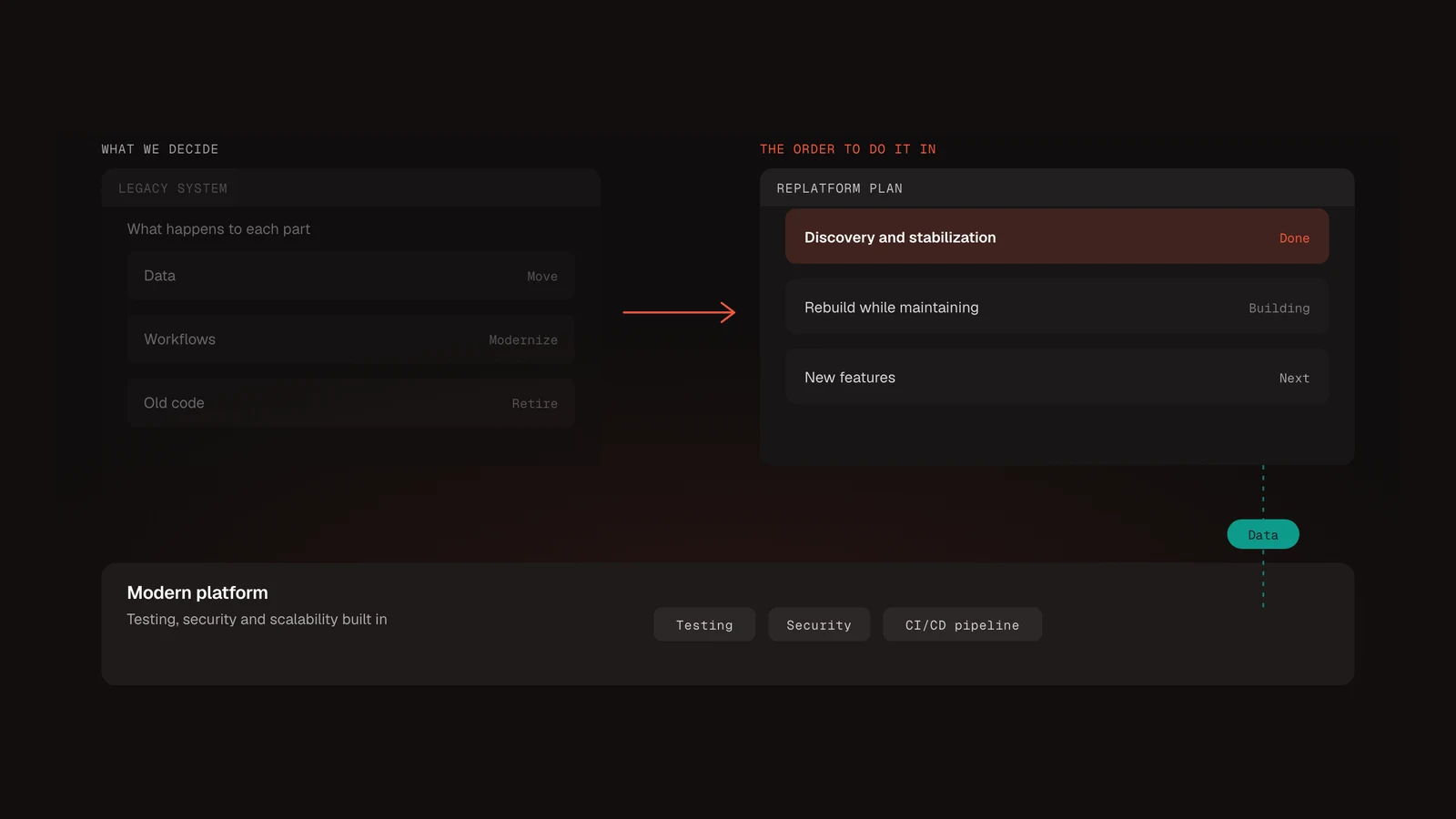
The AARP Foundation's Property Tax-Aide tools stayed in use through a three-phase plan that kept the existing tools running while their replacements took shape. It is one example from our own work. The work was a rebuild of a custom platform. The constraint was the same one an ERP owner faces: the system could not stop.
The case study says the program could not go dark during the work, and thousands of older adults relied on these tools every tax season. The second phase was a rebuild while maintaining. Gnar rebuilt 14 tools, and the existing tools kept running during the work.
What should you ask before you start?#
The questions to ask before you start cover the outcome, the first workflow, what the new screens write back to the ERP, how long old and new run together, whether each switch can be undone, who pays for overruns, and who owns what comes next. Ask them before you commit to any ERP modernization plan, from us or anyone else. Write the answers down and keep them with the contract.
- What outcome, in one or two sentences, will the business have when this is done?
- Which workflow goes first, and why that one?
- Which ERP records will the new screens read, and which will they write back?
- What happens when a write back to the ERP fails?
- How long will old and new run side by side for each workflow, and who decides when to switch?
- Can each switch be undone, and until when?
- Is the build priced per phase, and who pays if a phase runs over?
- Who inside our company owns the list of what comes next?